 GlideConnect
Home / Download
Get GlideConnect for Android
Install the app, create your account and make your first international call in minutes.
Download the app
| Version | 1.3.2 |
|---|---|
| Requires | Android 8.0 or later |
| Size | 342 KB |
| Publisher | Glide Global Consult LLC |
| SHA-256 | 1dcd93c93c77267cd3cf4678c7952e8cebf05674422d6c143e5a4f05ff1fae2a |
Google Play: GlideConnect is being prepared for Google Play. Until it's listed there, install it from this page.
How to install
- On your Android phone, tap Download for Android.
- Open the downloaded file. If Android asks, allow your browser to install apps. This is a one-time setting for apps from outside Google Play.
- Tap Install, then open GlideConnect.
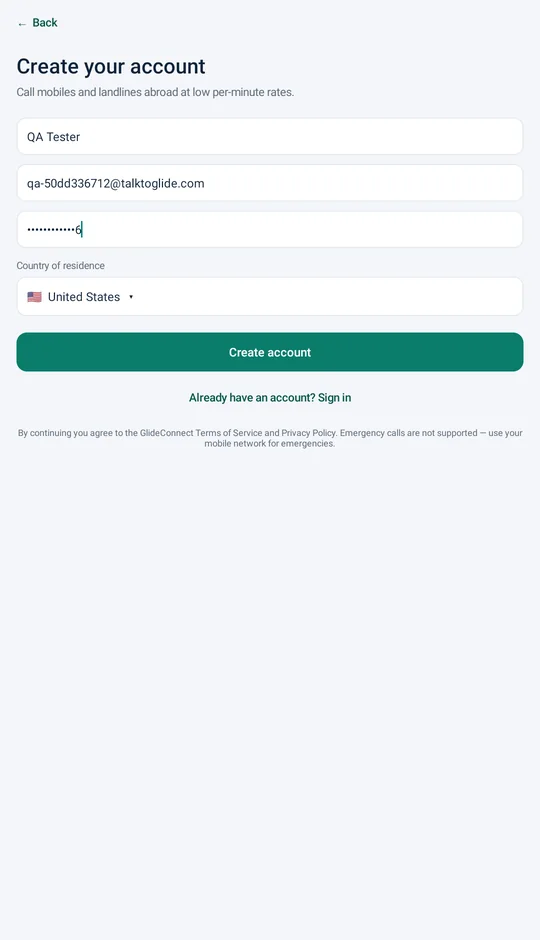
- Create your account, and allow microphone access when asked. Calls need it.
Only download GlideConnect from glideconnects.com. Every version is signed by Glide Global Consult LLC, and Android will refuse an update signed by anyone else.
What's new in 1.3.2
- New GlideConnect logo and app icon.
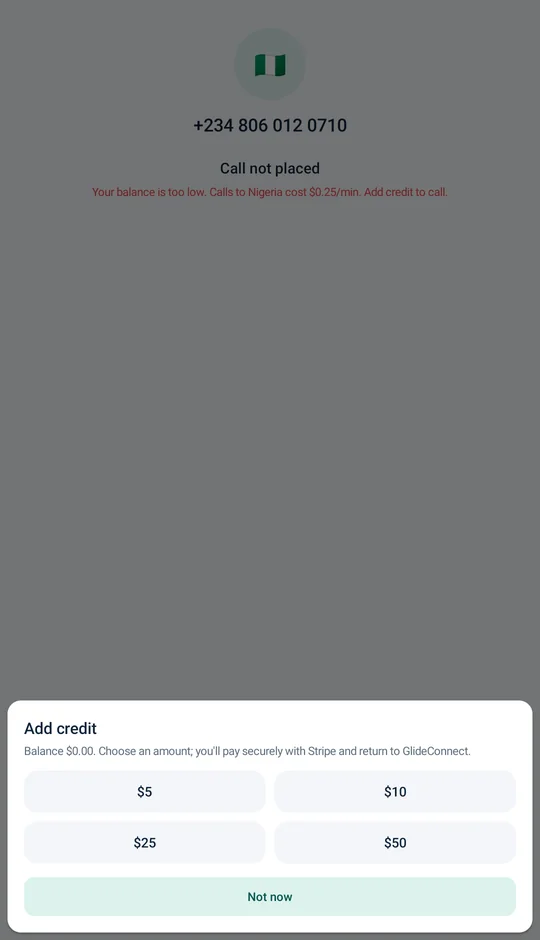
- Add credit straight from any low-balance message.
- Delete your account from the Account screen.
- Updated for Android 16.

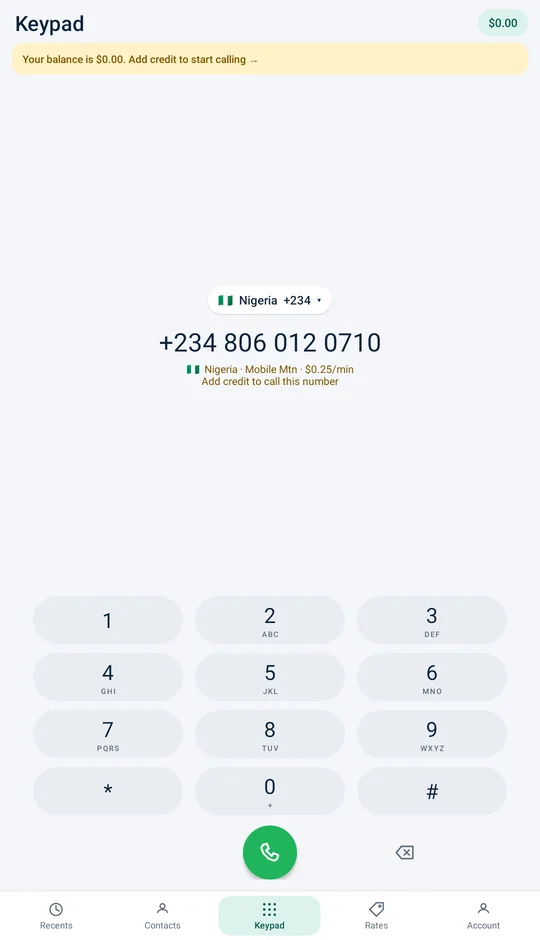
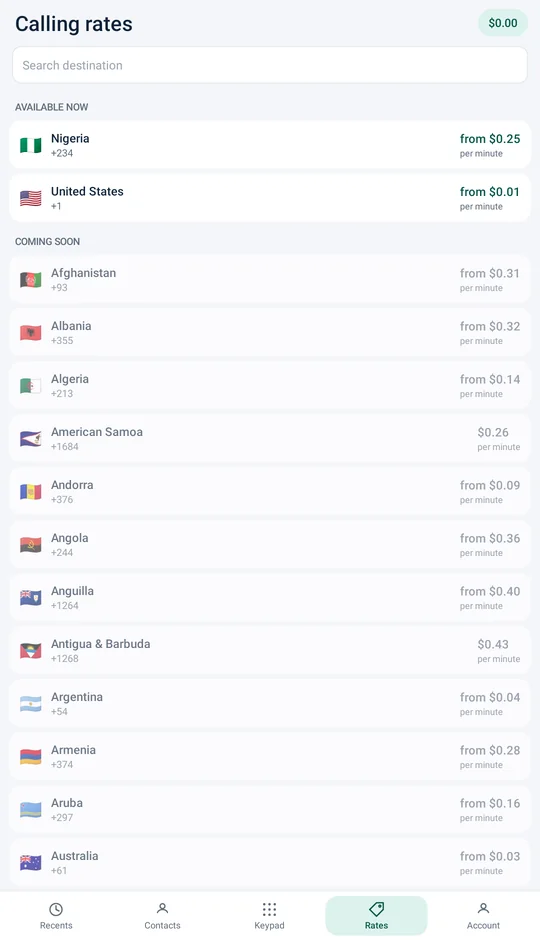
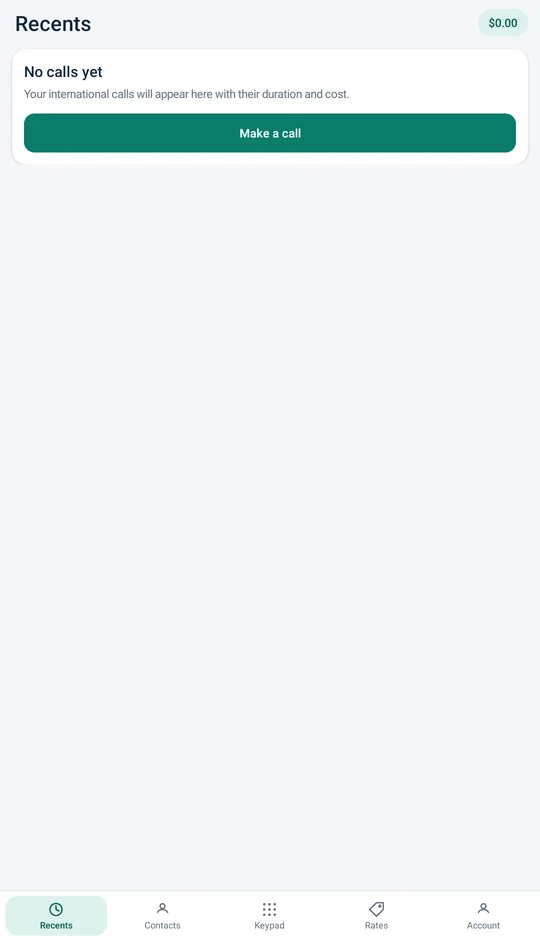
Inside the app
Phone requirements
An Android phone running Android 8.0 or later, with a microphone and a Wi-Fi or mobile-data connection.
Permissions
Microphone for calls, notifications for the ongoing-call notice, and contacts only if you choose to use the contact picker.
Need a hand?
Our support center answers common questions, or you can contact us.